Voxel Wars Discord: How to Find and Join the Server
Join the Voxel Wars Discord through the Roblox game page. Follow the steps to find the server link and connect with players before your next 15v15 battle.
Jump to
How to Join the Server
To join the Voxel Wars Discord, open the Voxel Wars experience page on Roblox, scroll down to the Discord icon, select it, and choose Continue to open Discord. Start from the game page so you follow the community link attached to the experience while getting ready for your next match.
The route starts outside the battlefield. Leave the active game, then use the experience page to reach the community link.
| Step | What to do |
|---|---|
| 1 | Open the Voxel Wars experience page on Roblox. |
| 2 | Scroll down to the Discord icon. |
| 3 | Select the icon, then choose Continue when prompted. |
| 4 | Open Discord to continue joining the server. |
Use that game-page link whenever you need to find the server again.
Check the Game Name and Developer
Look for Voxel Wars by Voxel Front. This is the Roblox shooter built around 15v15 battles, with a maximum of 30 players per server.
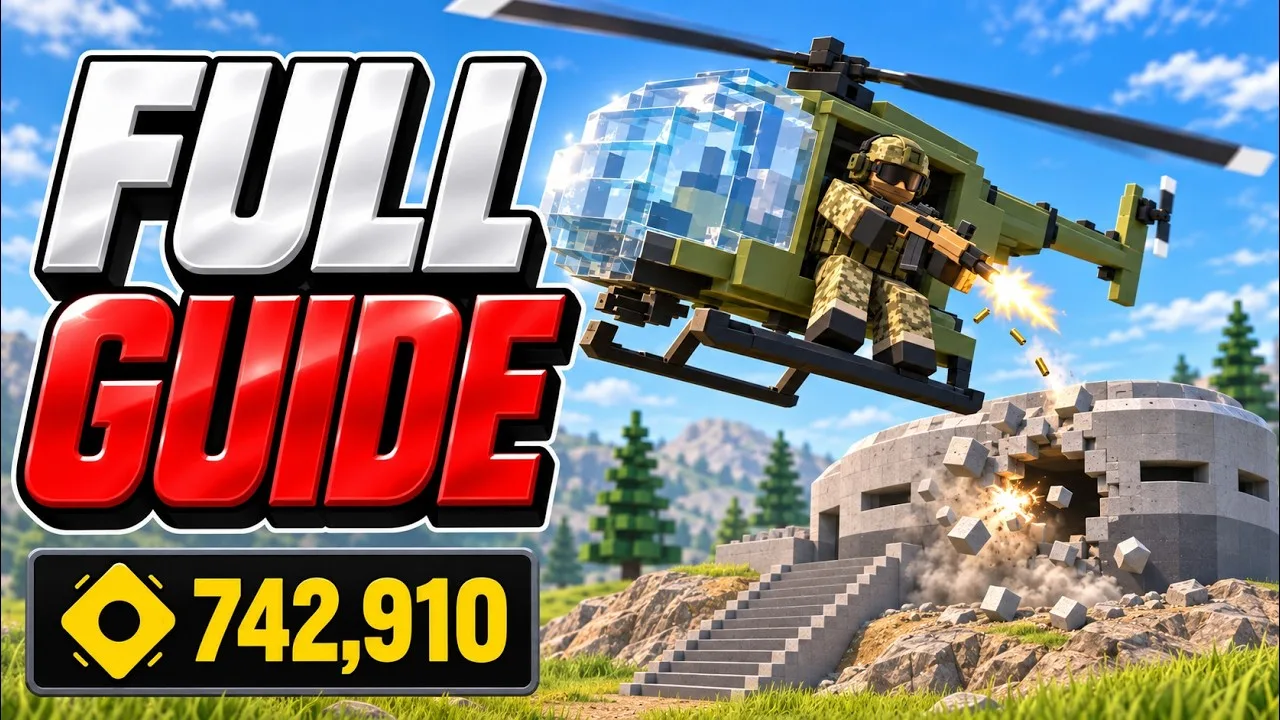
You can also recognize the experience by its core features:
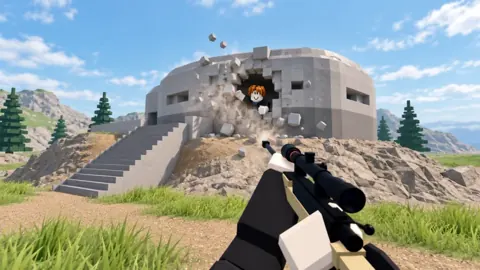
- Destructible environments: Walls, bunkers, towers, and buildings can be broken apart.
- Vehicle combat: Players fight in tanks, helicopters, and jeeps, alongside infantry.
- Building tools: The hammer lets you build turrets and steel cover.
- Round voting: Players vote for the next map and mode after each round.
Match the title and developer before following the Discord icon, especially when navigating back through Roblox search.
Weapon choices include rifles, SMGs, LMGs, snipers, and pistols. The AK-47 and VR 30 are among the named guns, while rocket launchers, grenades, sledgehammers, and shovels expand the equipment options. When asking other players about a loadout, name the weapon and explain whether you want to fight at long range or push into close quarters.
For a sniper loadout, equip a secondary weapon you can use comfortably when an enemy gets close. Aim for headshots, use elevated positions to see more of the battlefield, and avoid standing still while scoped in. Rooftops and ditches offer positions to work from, but keep nearby cover within reach instead of exposing yourself in the open.
Destruction changes how you approach those positions. Break part of a building to create a firing angle, or open a route that lets you flank an enemy. Use the terrain to approach from an unexpected direction. Because structures can be destroyed, keep watching the cover around you rather than assuming a wall will stay intact throughout a fight.
Vehicle combat adds another set of loadout questions. Rocket launchers can damage vehicles, including tanks, while helicopters have machine guns and rockets. If you take a helicopter, hold Space to lift off. Watch for anti-air missiles while flying, and use your weapons against enemies below without forgetting that ground forces can shoot you down.
Team play involves more than choosing red or blue. Downed teammates can be revived, and reviving them awards XP. Help nearby teammates when you can reach them under cover. In matches with capture points, move toward the objectives and help defend a position after taking it instead of focusing only on distant targets.
Progression also gives you specific things to ask about: leveling unlocks new guns and gear, and completing quests earns scrap. Work through your quests alongside regular matches. When discussing equipment, distinguish between the gun you currently have equipped, the gear you are working toward, and the scrap you are earning through those objectives.
Killstreak rewards include airstrikes and a gunship, so combat can extend beyond the weapons carried in your loadout. Keep an eye on the battlefield when an airstrike comes in and move away from the threatened area. Between infantry, vehicles, destructible buildings, and deployable cover, positioning remains relevant even when you have a strong weapon equipped.
The experience supports PC, phones, tablets, and controllers. Include your platform when asking for help with controls, particularly when a keyboard instruction does not match your device. For gameplay questions, describe the map situation, your weapon, and the problem you are facing—such as close-range pressure while sniping or a tank blocking your team's advance.
Continue exploring
Voxel Wars How to Level Up Fast: Kills and Revives
Voxel Wars how to level up fast: earn XP with safer kills, teammate revives, smart sniper positions, and cover. Build better habits and unlock more gear.
Voxel Wars How to Get More Weapons: Unlock New Guns
Looking for Voxel Wars how to get more weapons tips? Learn how to level up, open your loadout, earn XP through kills and revives, and collect free scrap.
Join the community
Official channels for news, updates and player help: